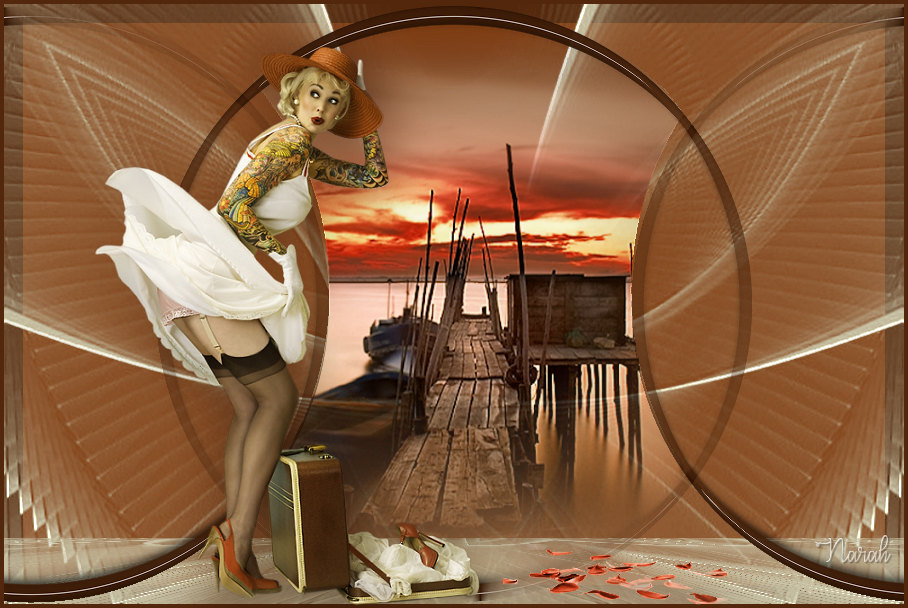
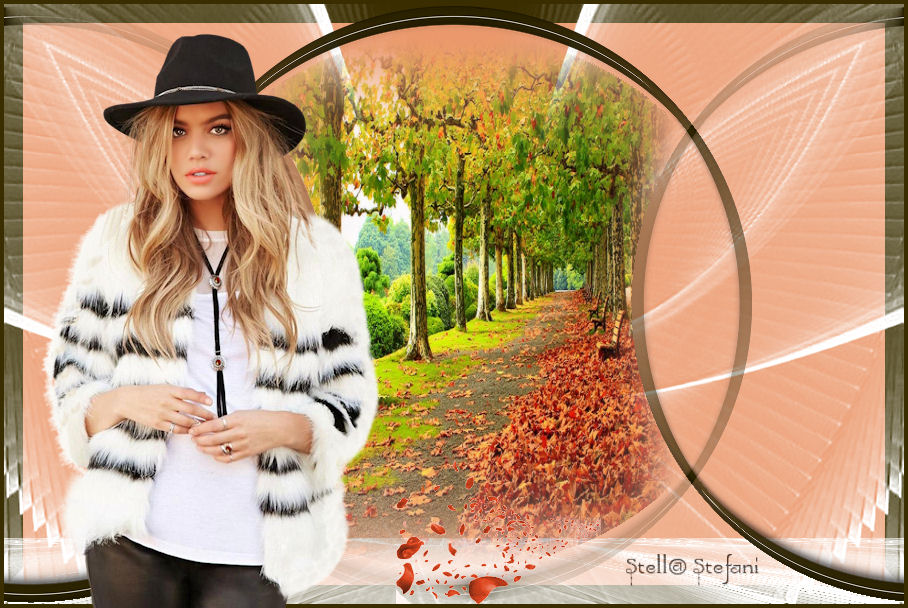
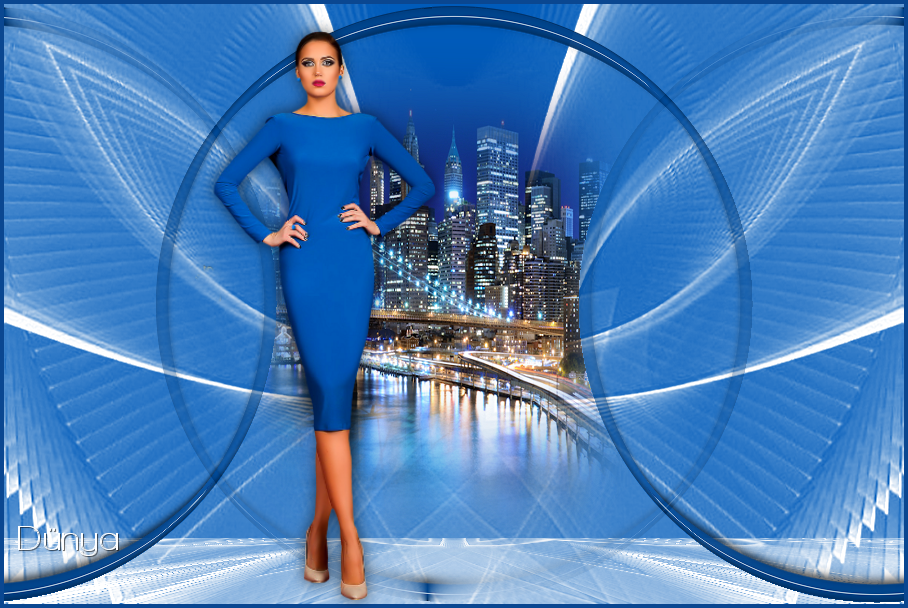
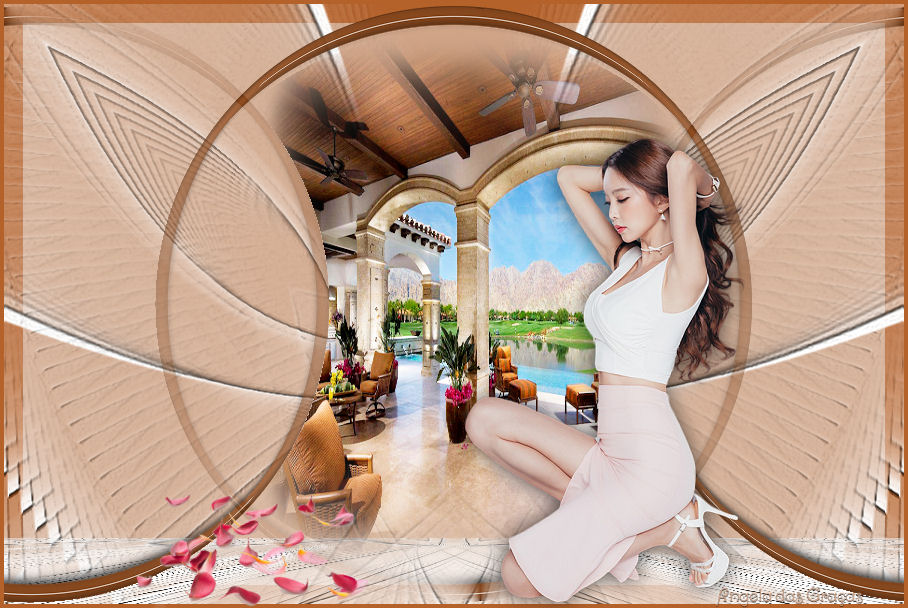
Aliciar
a gift for this dear friend.
Corel used: PSP X2018
It can be done in any other version.
Materials
PSP tools
Tubes: my own
My own misteds
Mask by Narah (thank you)
Filter emboss 3

Preset aliciar: double-click it and it will be sent automatically to the folder.
NOTE: Open your misted or tube and choose a solid color.
 |
Use the arrow to mark your line
Click with the mouse to move it
|
Walkthrough
1_. Open a new transparent image of 900 x 600 px and fill it with a solid color of your choice.
2_. Layers → New Raster Layer.
Fill with the color #ffffff.
Layers → Load/Save Mask → Load Mask From Disk: Narah_mask_0428.
Layers → Merge → Merge Group.
Effects → User Defined Filter → Emboss 3.
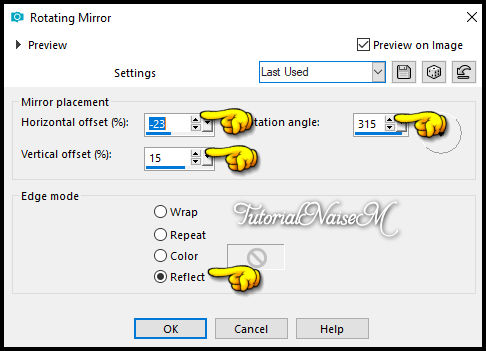
3_. Effects → Reflection Effects → Rotating Mirror, with the settings below.
Layers → Duplicate.
Image → Mirror → Mirror Horizontal.
Layers → Merge → Merge Down.
4_. Turn off the visibility of the layer Group - Raster 2.
5_. Click on the layer Raster 1.
Selections → Select All.
Selections → Modify → Contract, with the settings below.
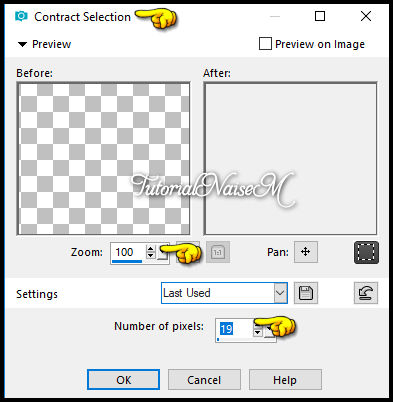
Selections → Invert.
Fill with the solid color #b55c4a.
Selections → Promote Selection to Layer.
Effects → Plugins → Alien Skin Eye Candy 5 Impact → Glass: preset aliciar.
Selections → Select None.
Effects → Geometric Effects → Circle: Transparent.
Effects → Image Effects → Seamless Tiling, with the settings below.
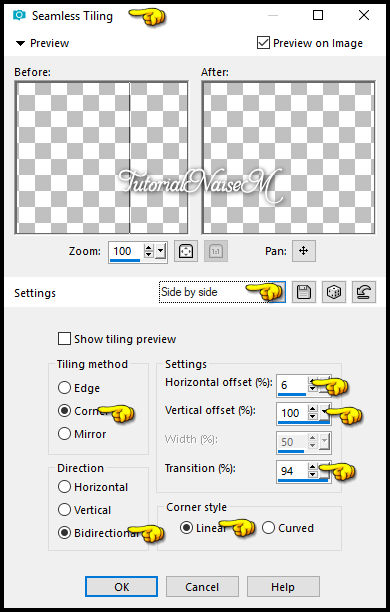
Image → Mirror → Mirror Vertical.
6_. Turn the visibility of the layer Group - Raster 2 back on.
Layers → Duplicate.
7_. Effects → Plugins → MuRa's Meister → Perspective Tiling, with the settings below.
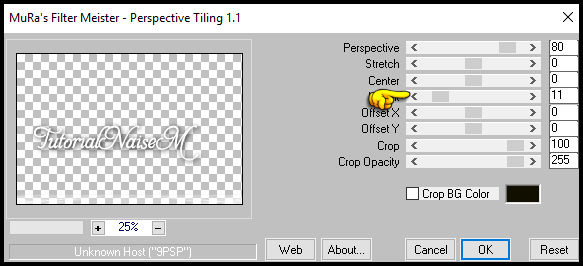
8_. Layers → Duplicate 2 more times.
Layers → Merge → Merge Down on the duplicated layers.
9_. Click on the layer Promoted Selection.
Layers → Arrange → Bring to Top.
10_. Open your misted: Edit → Copy and go back to your work.
11_. With the Magic Wand tool, select this part:
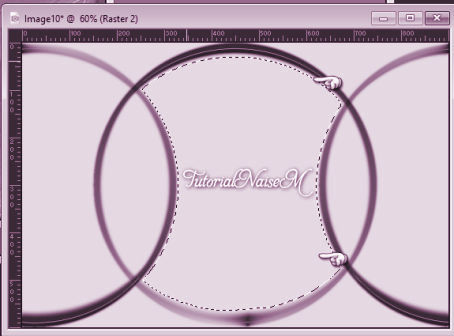
Edit → Paste Into Selection.
Selections → Select None.
12_. Image → Add Borders → Symmetric checked: 4 px - color #9c4436.
13_. Apply your tube and, if you wish, the petal tubes.
14_. Sign your work.
15_. Save as JPG.
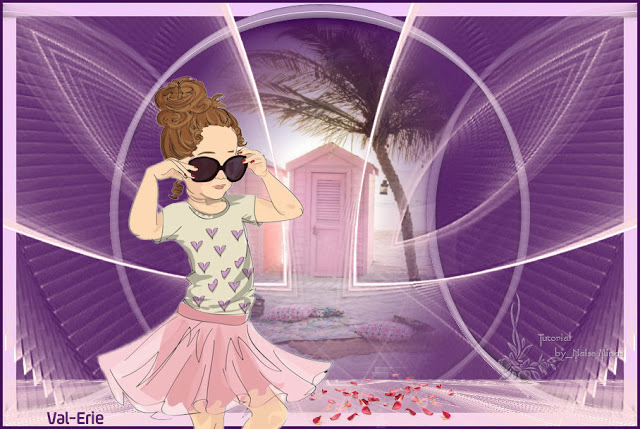
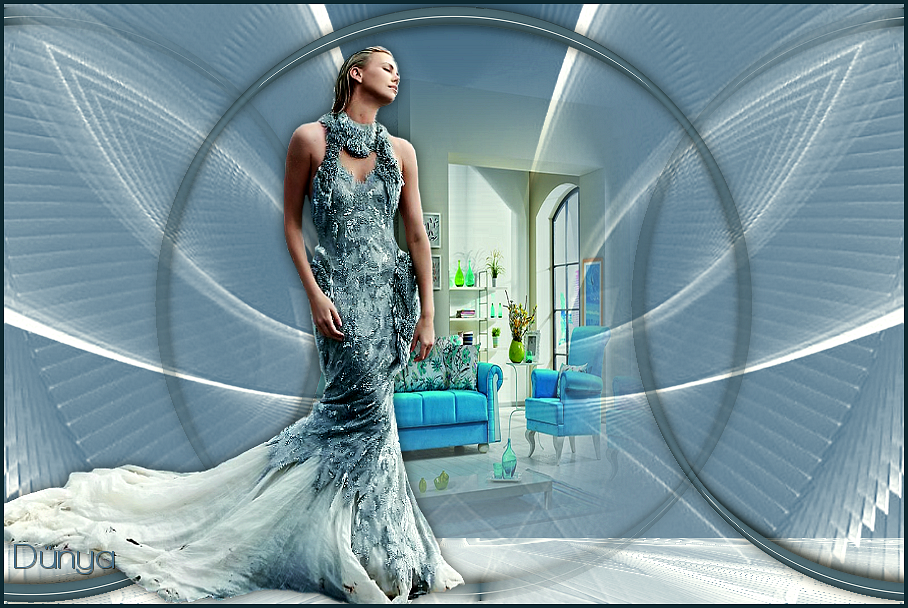
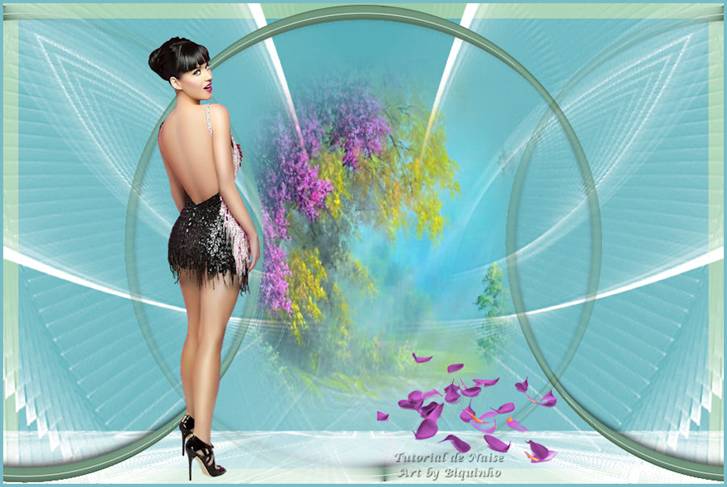
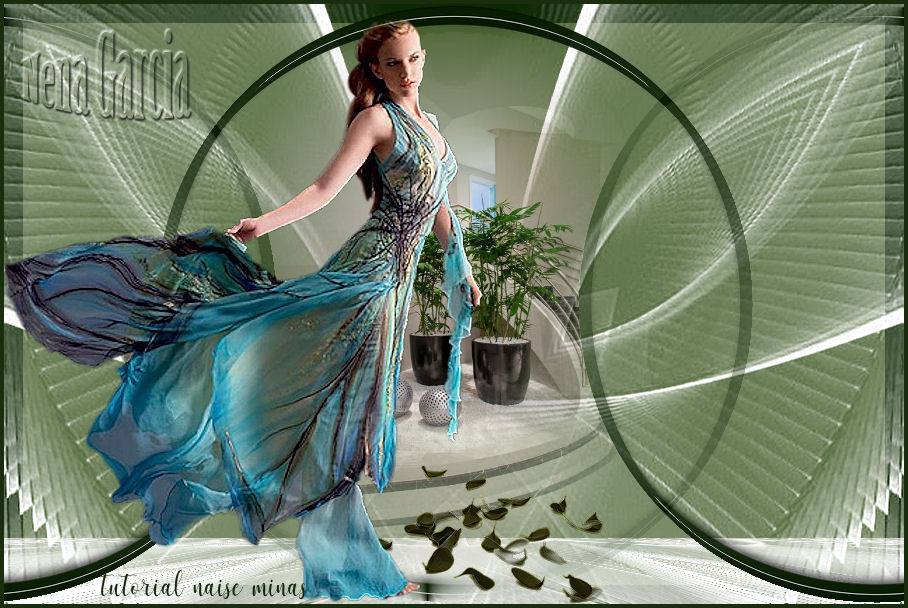
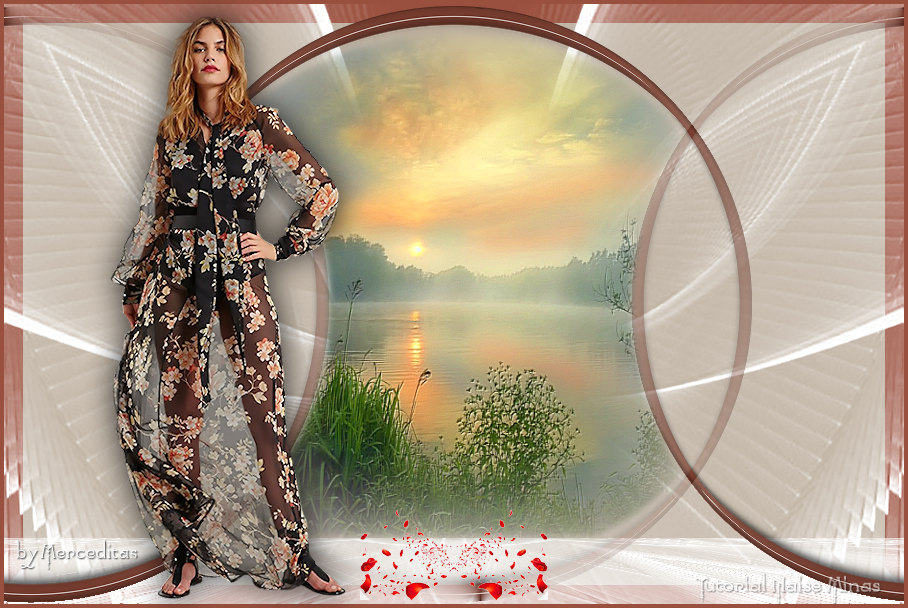
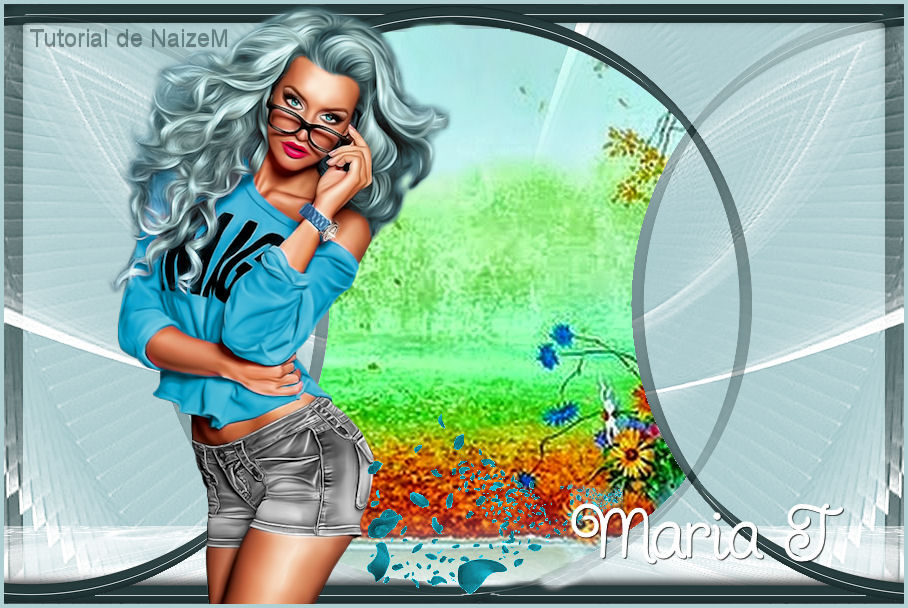
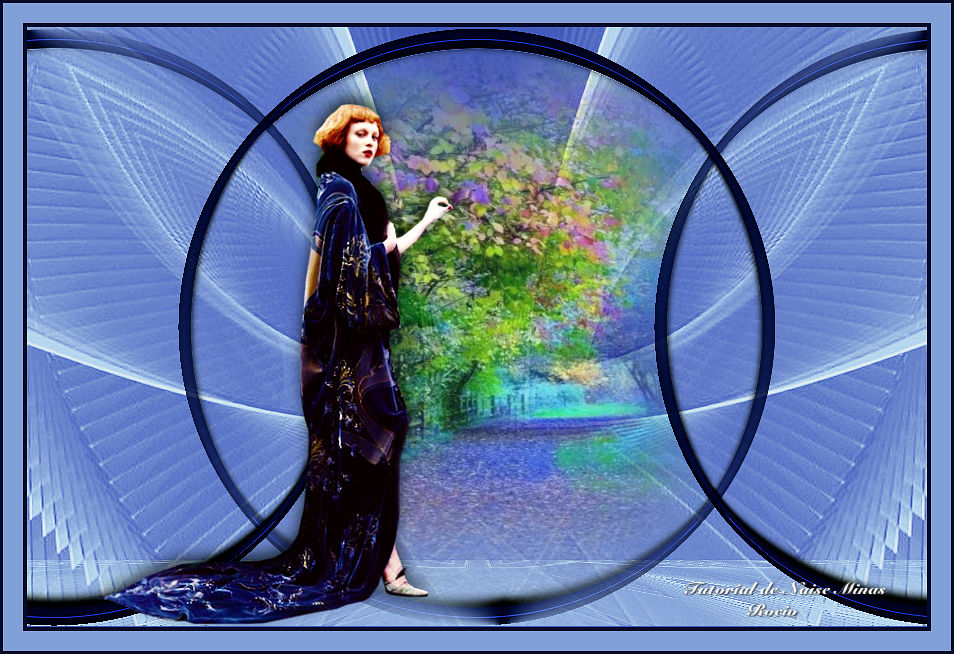
Examples
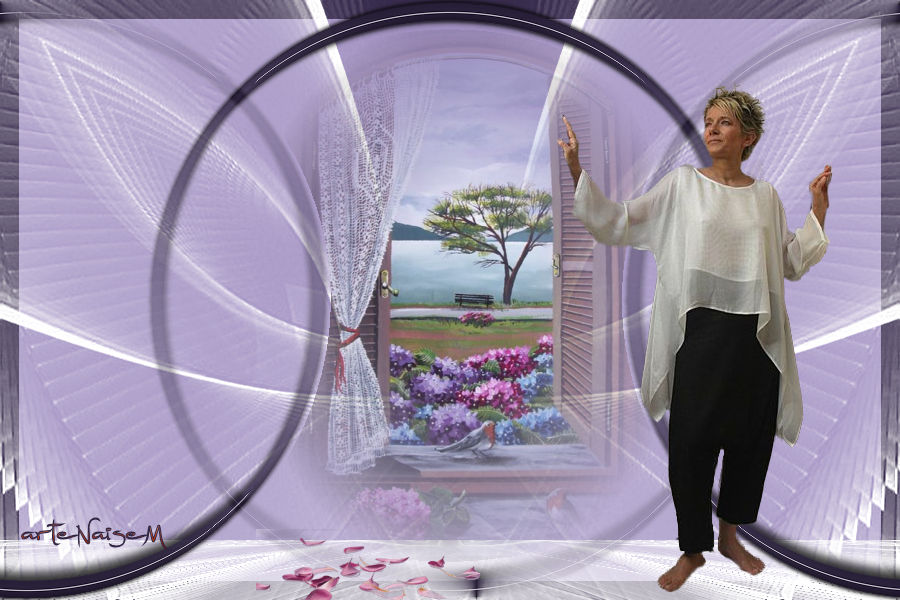
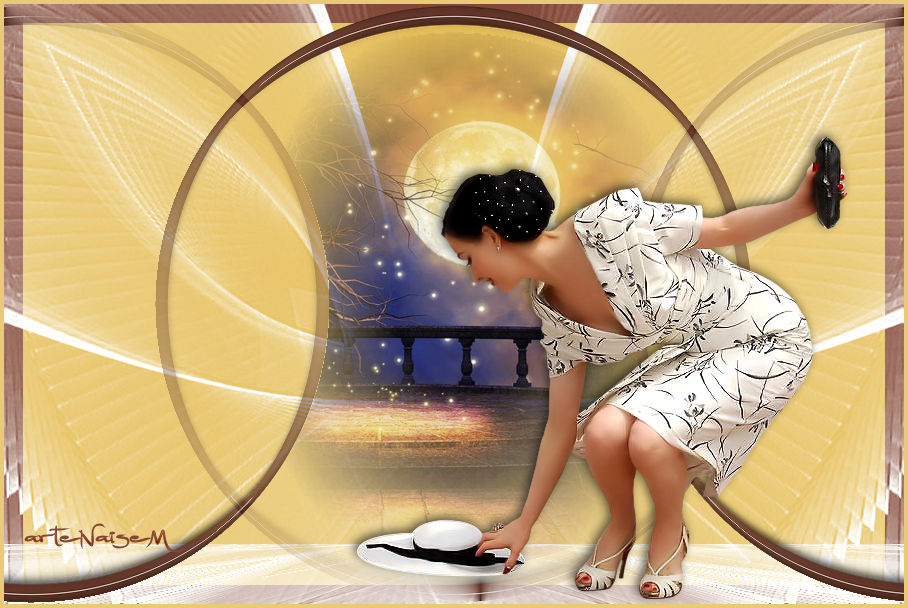
Other versions
30/05/2018