|
Audrin
PSP 2018
Also works in any other PSP.
Materials
PSP tools
Deco-1 (naiseminas)
Deco-2 (naiseminas)
Deco-3 (naiseminas) nmcriacoes
Tubes-naisem
Brushe # sonelero 79009
Gradient background-foreground (save in the gradients folder)

Plug-ins
Alien Xenofex 2
Simple
Eye Candy Impact_Glass
Foreground
#8989a5
Background
#232162
 |
Use the arrow to mark your line
Click with the mouse to move it
|
1_. Create a Linear gradient with the Fading special gradient, with the settings below.

2_. File → New: open a new image of 950 x 550 px.
Fill the image with this gradient.
3_. Effects → Plugins → Xero → Artworx: Squares, with the settings below.

Effects → Edge Effects → Enhance More.
Layers → Duplicate.
Image → Mirror → Mirror Vertical.
Layers → Merge → Merge Visible.
4_. Layers → Duplicate.
5_. Image → Resize, with the settings below.

6_. Effects → Plugins → Simple → Diamonds.
7_. Effects → 3D Effects → Drop Shadow: 0 / 0 / 100 / 100.
Layers → Merge → Merge Down.
8_. Layers → New Raster Layer.
Fill with the color #9e9eb6.
9_. Layers → Arrange → Send to Bottom.
Layers → Merge → Merge Visible.
10_. Image → Add Borders → Symmetric checked:
2 px - color #8989a5
12 px - color #bbb6bc
11_. Layers → Duplicate.
Image → Resize, with the settings below.

12_. Layers → New Raster Layer.
13_. Selections → Load/Save Selection → Load Selection From Disk: #selecao_audrin.

Fill the selection with the same gradient, with the same settings.
Apply the same plugin Xero → Artworx.
14_. Effects → Plugins → Alien Skin Eye Candy 5 Impact → Glass: preset audrim.
Effects → Edge Effects → Enhance More.
15_. Selections → Modify → Select Selection Borders, with the settings below.

16_. Layers → New Raster Layer.
Fill the selected part with the color #22223e.
17_. Effects → Plugins → Alien Skin Eye Candy 5 Impact → Glass: preset audrim.
Selections → Select None.
Layers → Merge → Merge Down.
18_. Layers → Duplicate.
Image → Mirror → Mirror Horizontal.
Layers → Merge → Merge Down.
19_. Effects → Geometric Effects → Skew, with the settings below.

Layers → Duplicate.
Image → Mirror → Mirror Vertical.
Layers → Merge → Merge Down.
20_. Open the deco-audrin: Edit → Copy.
Go back to your work: Edit → Paste As New Layer.
21_. Effects → Image Effects → Offset, with the settings below.

22_. Layers → New Raster Layer.
Apply the brush with the color #ffffff as Foreground.
23_. On the selected part, apply a misted tube.
Selections → Select None.

24_. Apply your tube.
25_. Sign your work and save as JPG.
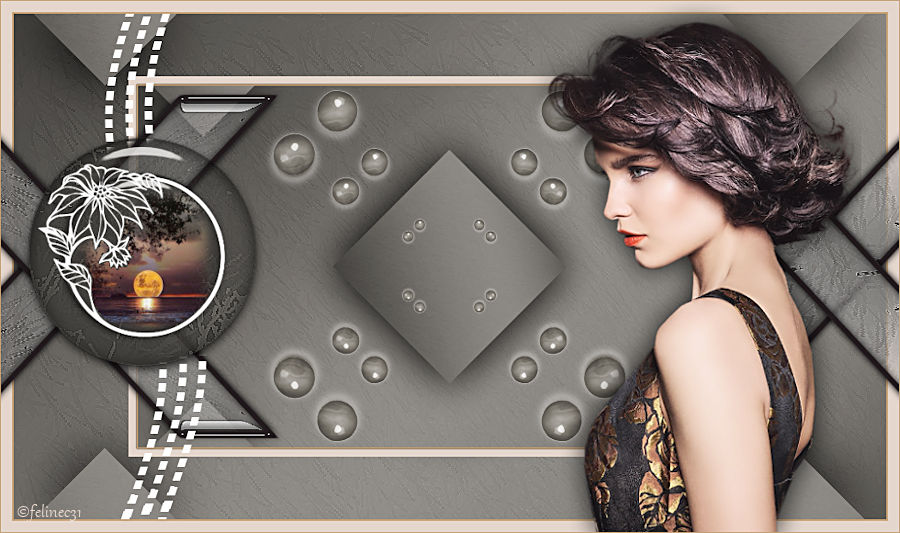
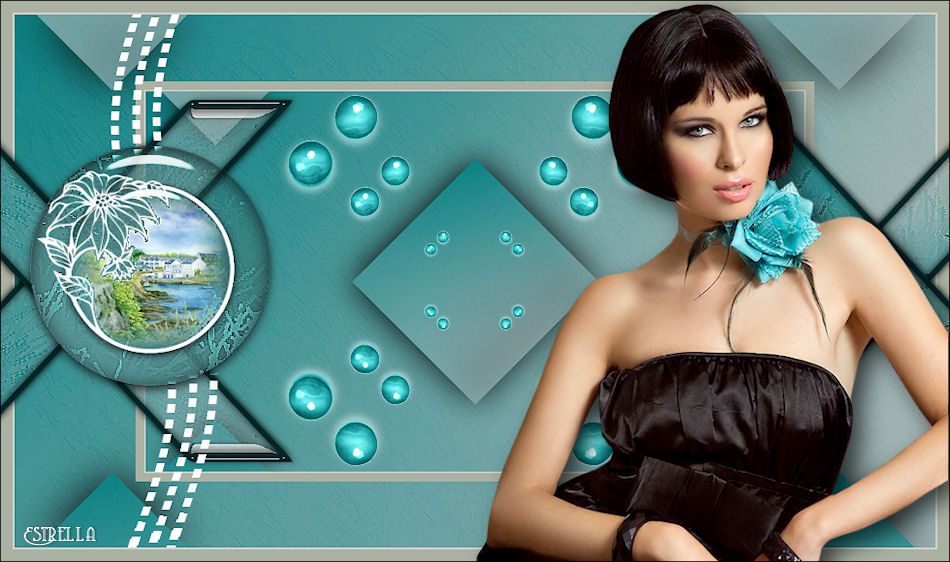
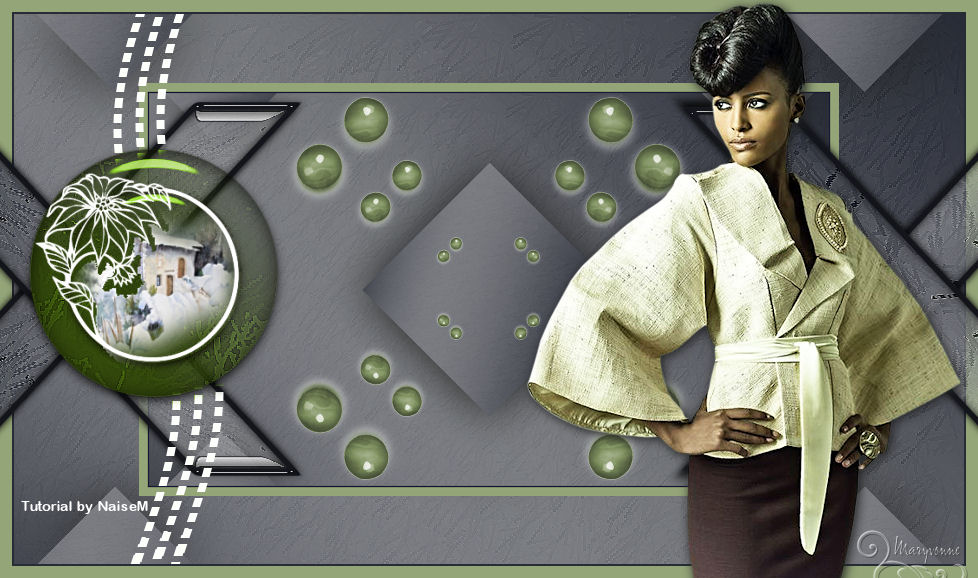
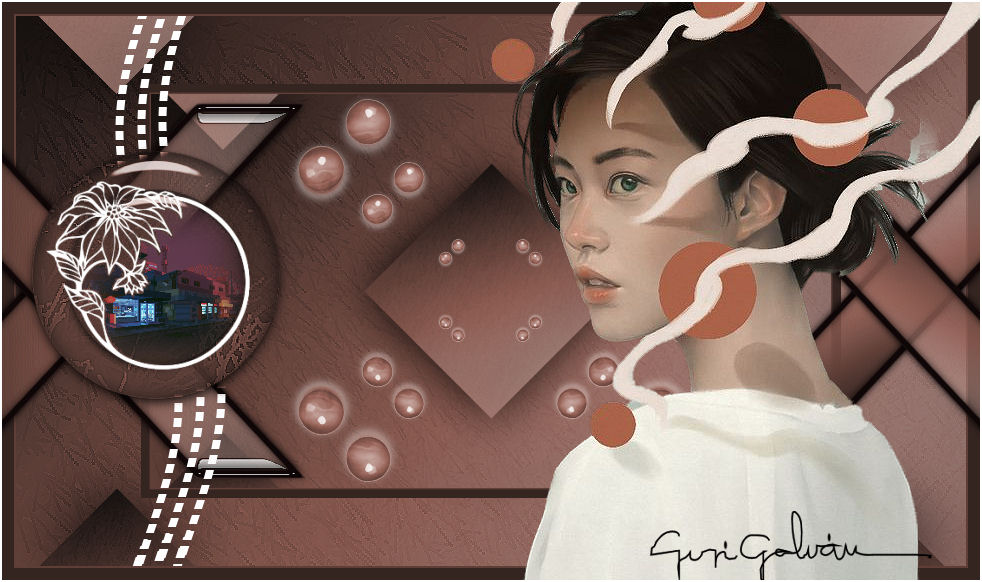
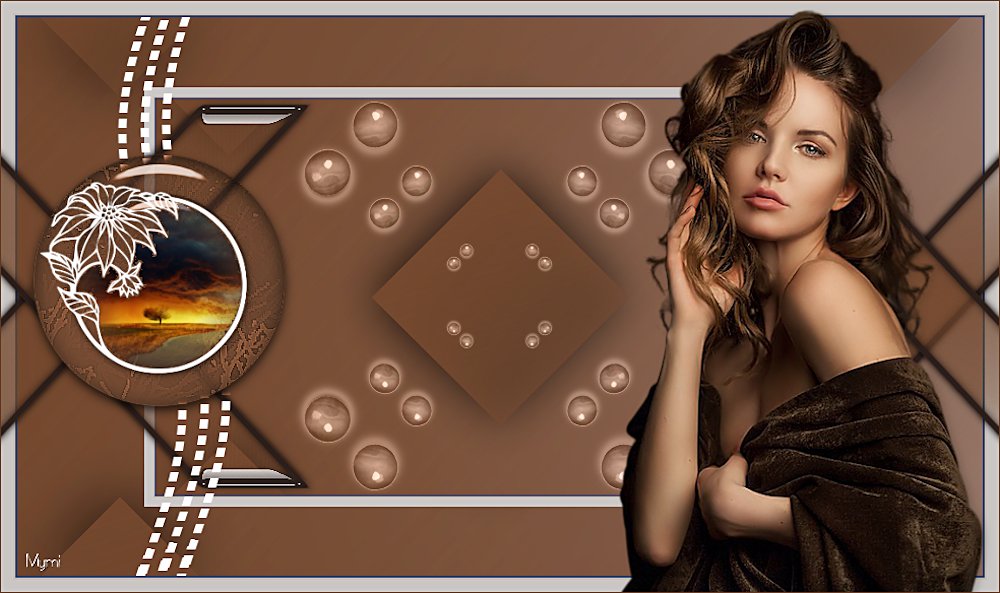
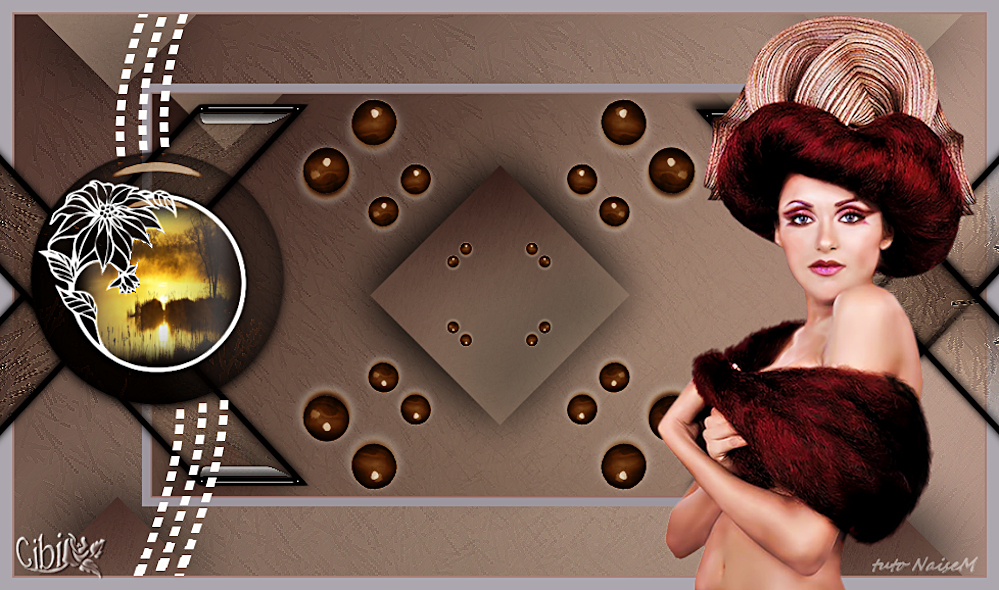
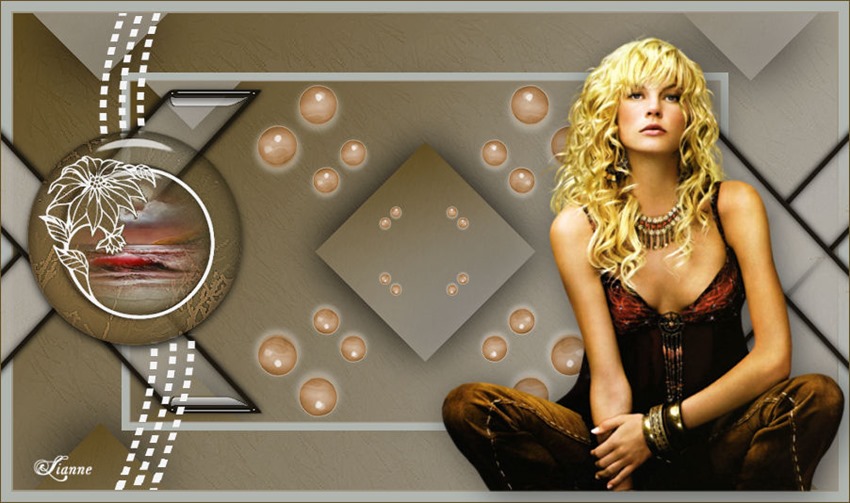
OTHER EXAMPLES


¨Leituras
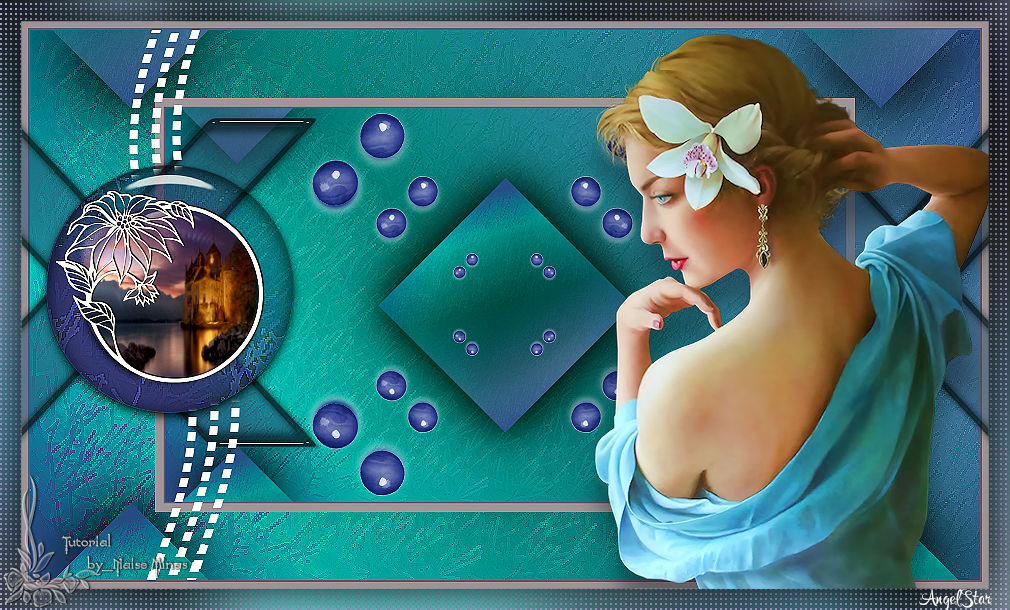
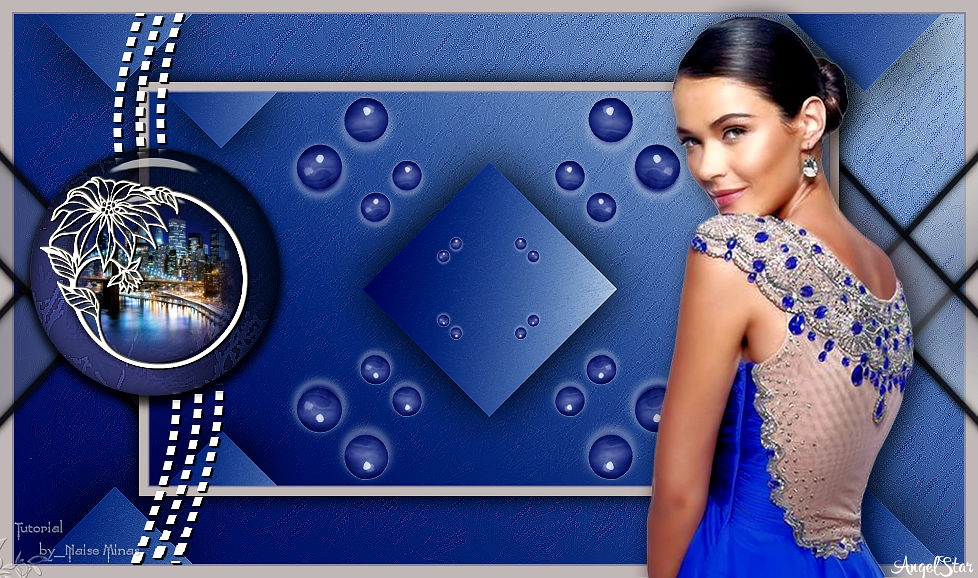
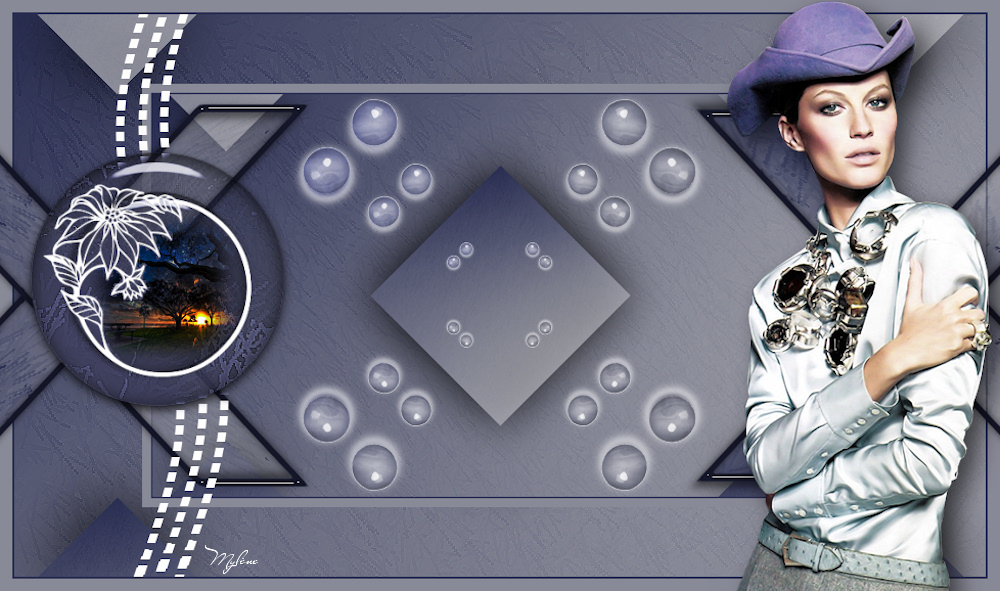
15/01/2018
|
